Return an honest status
Do not show an error message with a 200 success response. That can create a soft 404 and makes automation, analytics, and search diagnostics harder.


Technical SEO and user recovery
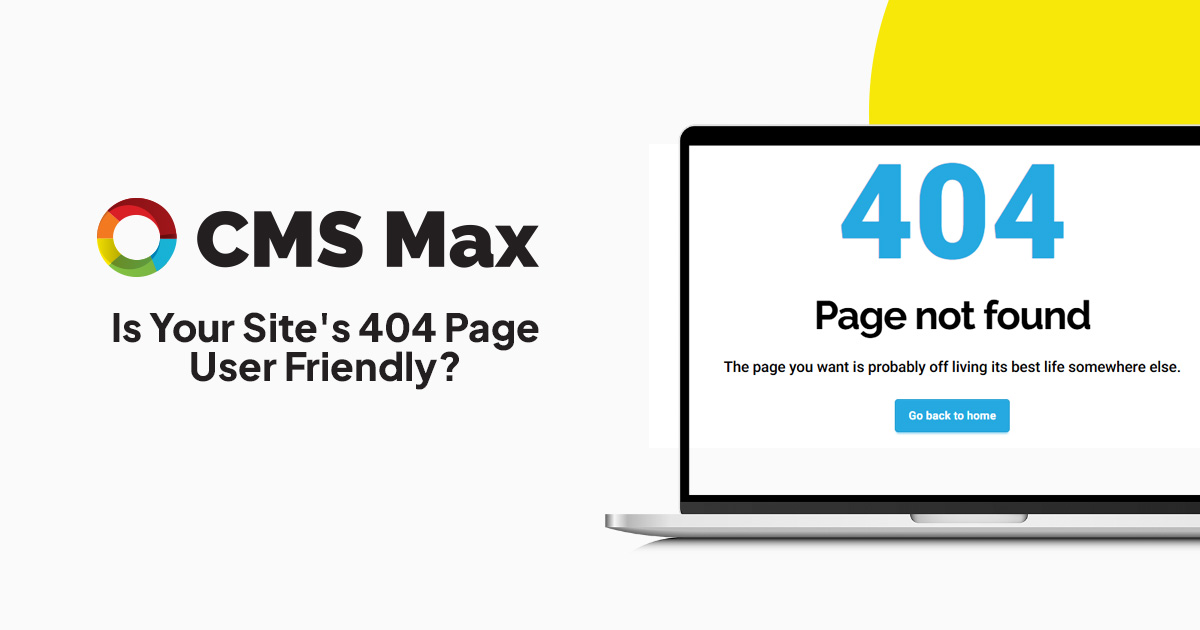
A good 404 page helps the visitor recover while the server tells the truth.
Missing URLs are normal on a changing website. The important details are a real 404 or 410 response when content is gone, a direct permanent redirect when a relevant replacement exists, and a useful branded page that helps people continue.
Decision frame
Do not show an error message with a 200 success response. That can create a soft 404 and makes automation, analytics, and search diagnostics harder.
A homepage redirect hides the missing destination and can confuse users. Redirect only when a closely relevant replacement exists.
Keep navigation, site search, popular destinations, contact or support, and a concise explanation within easy reach.
Practical controls
Use the current header, footer, visual language, and a plain explanation that the requested page could not be found.
Offer site search and a small set of durable routes instead of presenting a dead end or a long unrelated link directory.
Return 404 or 410 for missing content and direct 301 or 308 redirects for genuinely moved content.
Inspect internal links, campaigns, external referrals, old documents, typos, deleted products, and malformed URLs that generate visits.
Track useful error events without turning every crawler request into a conversion metric or exposing sensitive request data.
Fix important internal links at their source and add redirects only where they improve the destination for people.
Implementation workflow
Review crawler reports, broken-link findings, Search Console, analytics, logs, support reports, and campaign checks.
Decide whether the content exists, moved, was consolidated, is temporarily unavailable, or is permanently gone.
Keep 200 for valid content, redirect to a close replacement, or return an accurate 404 or 410 response.
Render a concise branded error page with navigation, search, useful destinations, and a support path.
Correct internal sources, test the final response, monitor high-demand misses, and remove redirect chains or loops.
Practical reference
Current evidence
Frequently asked questions
No. Redirect only to a genuinely relevant replacement. Otherwise return a correct 404 or 410 and provide recovery options on the error page.
Yes. The server can return 404 while rendering a complete branded page for the visitor.
Normal missing URLs do not automatically penalize an entire site. Repeated internal errors, poor recovery, wasted demand, and soft 404s still deserve attention.
A clear message, normal navigation, search when useful, a few durable destinations, and an appropriate support or reporting path.
CMS Max combines branded page design, search, redirect management, broken-link diagnostics, and ongoing content operations.
The world's fastest and most SEO friendly website code.