Encrypt every public route
Serve pages, forms, checkout, media, scripts, styles, APIs, and account experiences over HTTPS. A single HTTP dependency can create mixed-content errors or weaken trust.


Website security baseline
HTTPS is the start of a trustworthy website, not the finish line.
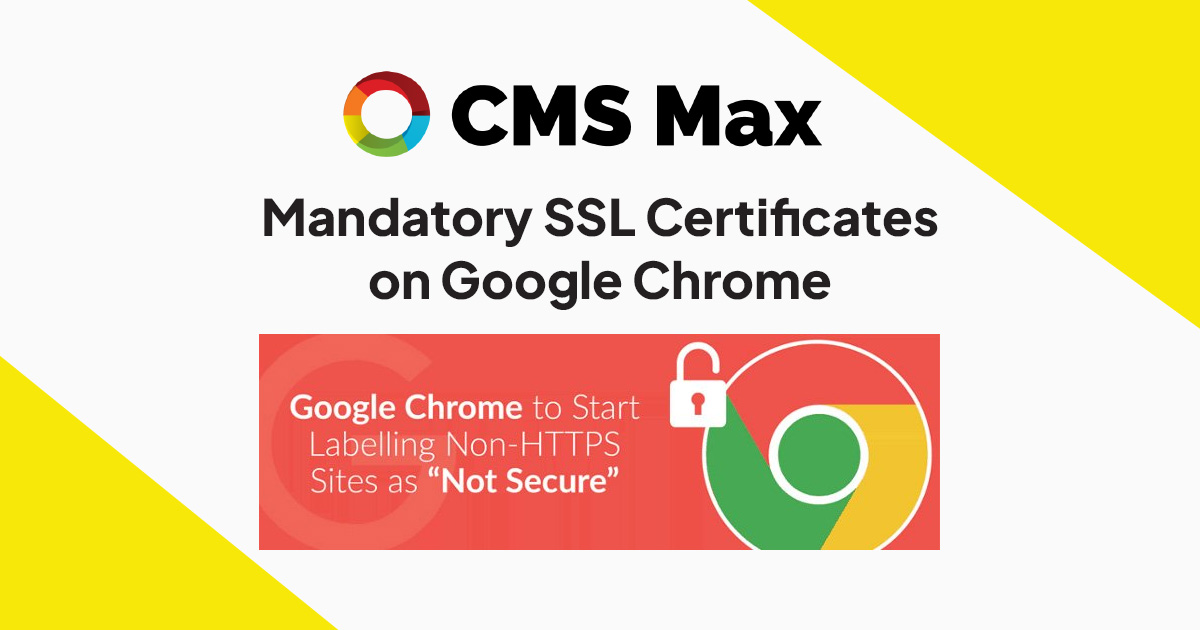
Chrome began labeling ordinary HTTP pages as not secure in 2018. Today, every production website should use HTTPS consistently, redirect HTTP requests, avoid mixed content, renew certificates automatically, and pair transport encryption with secure application operations.
Decision frame
Serve pages, forms, checkout, media, scripts, styles, APIs, and account experiences over HTTPS. A single HTTP dependency can create mixed-content errors or weaken trust.
Choose the final HTTPS hostname and permanently redirect each HTTP and alternate-host request directly to that destination without chains.
Track certificate issuance, expiration, DNS changes, hostname coverage, security headers, application updates, access, errors, and third-party dependencies.
Practical controls
Confirm every production hostname and required subdomain is covered by a trusted, current certificate.
Return direct permanent redirects from HTTP variants and verify navigation, canonicals, sitemaps, and feeds use final HTTPS URLs.
Crawl for insecure images, scripts, fonts, styles, forms, embeds, API calls, and hard-coded links before release.
Maintain software, permissions, authentication, validation, logging, backups, dependencies, and incident-response ownership.
Test checkout, payment handoffs, uploads, notifications, webhooks, customer accounts, and form submission from the public HTTPS site.
Alert on expiration, certificate mismatch, redirect regressions, browser errors, availability, suspicious access, and integration failures.
Implementation workflow
List production domains, subdomains, alternate hosts, APIs, media, forms, embeds, callbacks, and external services.
Validate DNS and provision trusted certificates for every required hostname with an accountable renewal process.
Select the canonical HTTPS hostname and configure direct permanent redirects from every accepted variant.
Crawl for mixed content, exercise business workflows, inspect browser security errors, and confirm search signals use final URLs.
Watch renewal, DNS, redirects, uptime, application errors, dependencies, and security events after launch.
Practical reference
Current evidence
Frequently asked questions
No. It protects data in transit and authenticates the covered hostname. Application, account, data, integration, infrastructure, and operating controls still matter.
Requests can be accepted long enough to return a direct permanent redirect, but the final page and every dependency should use HTTPS.
It occurs when an HTTPS page loads a resource over HTTP. Browsers may block the resource or warn users, and the dependency should be corrected.
Browsers can show a serious security warning and interrupt access. Automated renewal still needs monitoring because DNS, validation, or configuration changes can break it.
CMS Max can coordinate the domain, content, forms, commerce, redirects, integrations, testing, and monitoring needed for a trustworthy website launch.
The world's fastest and most SEO friendly website code.