Map the complete site
Include pages, products, categories, images, files, campaigns, subdomains, HTTP and HTTPS, www and non-www variants, and high-value linked URLs.


Google-aligned domain migration
A domain change is a controlled site move, not one forwarding rule.
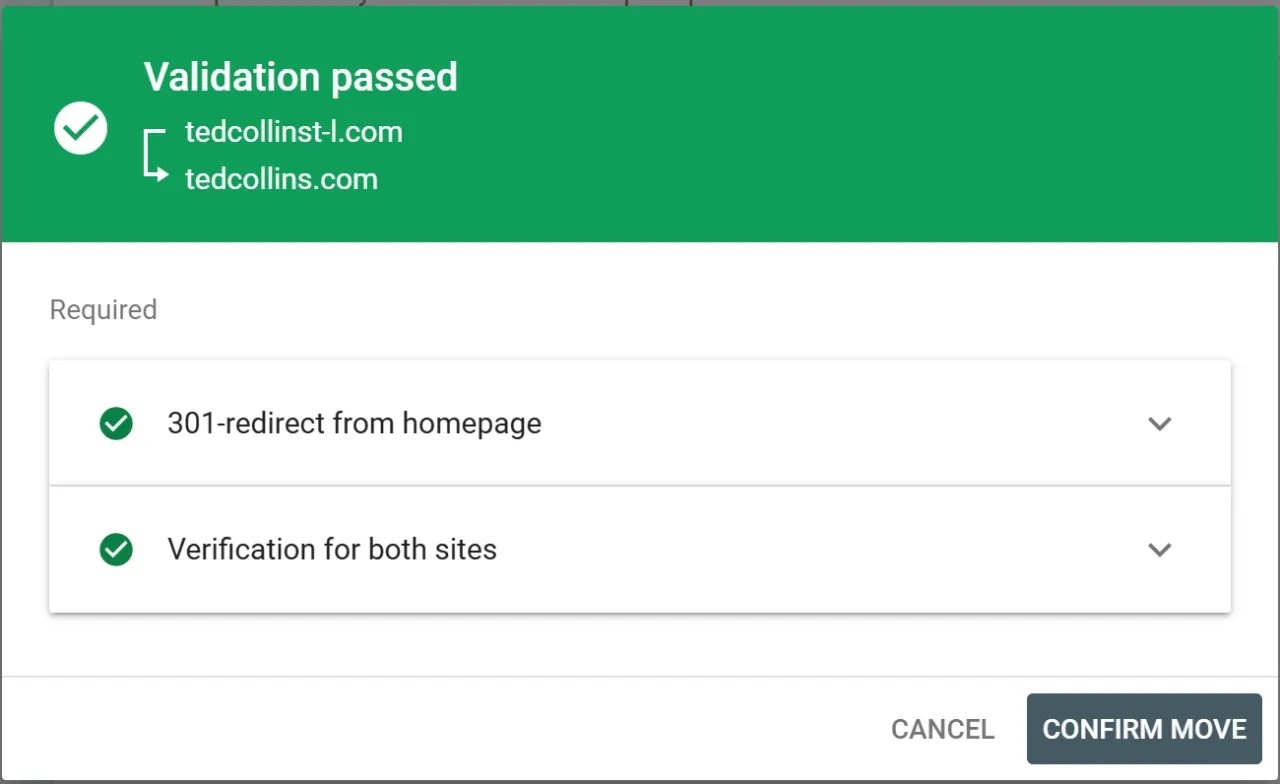
Google recommends preparing the new site, mapping old URLs to relevant new URLs, using direct server-side permanent redirects, updating internal signals, verifying properties, submitting Change of Address, and monitoring both domains.
Decision frame
Include pages, products, categories, images, files, campaigns, subdomains, HTTP and HTTPS, www and non-www variants, and high-value linked URLs.
Use server-side 301 or 308 redirects and avoid chains, loops, broad homepage routing, temporary forwarding, or path loss.
Google notes that rankings can fluctuate while URLs are recrawled and reindexed. Watch both properties, traffic, errors, and conversions.
Platform and operating capability
Use CMS Max pages, ecommerce records, blog posts, sitemaps, analytics, and crawl evidence to build the migration map.
Use SEO Max for supported redirect records and coordinate registrar or server rules for complete domain-level coverage.
Publish the new final URLs in canonicals, internal links, navigation, sitemaps, structured data, feeds, and campaign destinations.
Verify root and www behavior, certificates, HTTP-to-HTTPS redirects, preferred hostname, and all historical variants.
Keep useful content equivalent and update analytics, tags, verification, forms, feeds, ads, integrations, and external profiles.
Review 404s, redirect chains, Search Console, analytics, orders, forms, email, subdomains, certificates, DNS, and support reports.
Implementation workflow
Audit domain ownership, renewal, MFA, DNS, email, certificates, subdomains, verification, current URLs, analytics, links, and risks.
Assign each useful old URL to a relevant final new URL and identify intentional 404 or 410 outcomes.
Test content, canonicals, robots rules, sitemaps, internal links, forms, commerce, analytics, certificates, and capacity.
Enable direct permanent redirects, verify all variants, inspect representative responses, submit Change of Address, and publish new sitemaps.
Track crawl, indexing, traffic, rankings, links, errors, certificates, DNS, email, subdomains, conversion, and support until stable.
Practical reference
Evidence and next steps
Frequently asked questions
No one can guarantee that. Google says temporary fluctuation can occur while the old and new URLs are crawled and indexed.
No. Use relevant URL-to-URL mappings. Irrelevant bulk redirects can confuse users and may be treated as soft 404s.
No. Keep durable ownership, renewal, security, DNS, and redirect control for the migration period and preferably longer.
No. It supplements a correctly implemented domain move; permanent redirects and updated site signals are still required.
Google recommends at least one year and notes that keeping them longer can continue helping users.
CMS Max can build the URL map, redirect plan, DNS checklist, Search Console process, verification suite, cutover runbook, monitoring, and rollback evidence.
The world's fastest and most SEO friendly website code.