

Confirm the preceding-year size test
The IRS describes an eligible small business as one with $1 million or less in gross receipts or no more than 30 full-time employees in the preceding tax year.
Federal accessibility tax education
Form 8826 can support eligible access work, but it is not an automatic website rebate.
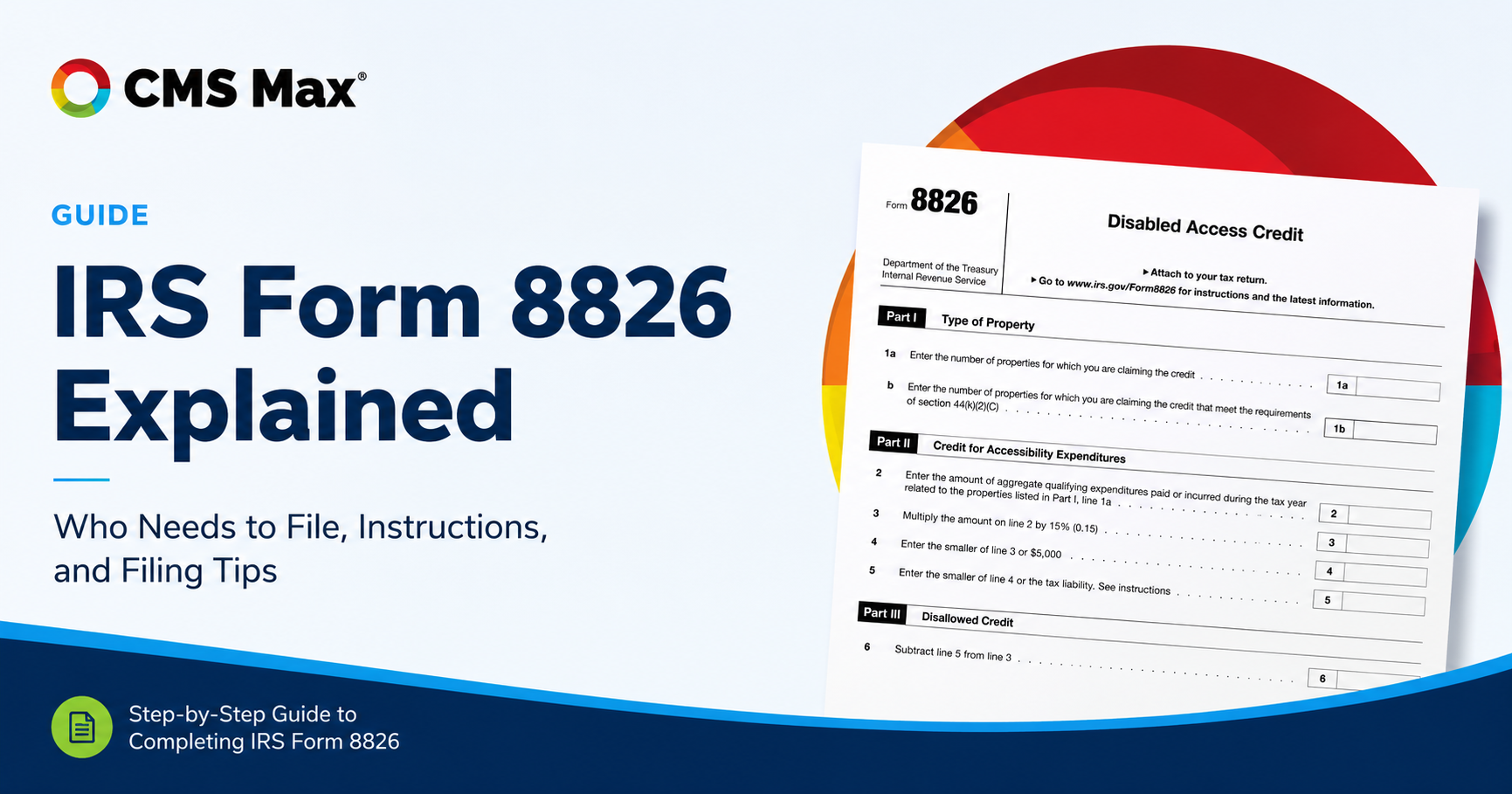
The Disabled Access Credit is a nonrefundable federal general business credit for an eligible small business that pays or incurs eligible access expenditures. The current calculation is 50 percent of qualifying expenditures above $250, limited so the annual credit does not exceed $5,000. Eligibility, expense treatment, tax-year rules, limitations, and filing belong with the business's qualified tax professional.
Decision frame
The IRS describes an eligible small business as one with $1 million or less in gross receipts or no more than 30 full-time employees in the preceding tax year.
Review invoices and work against the statutory eligible access categories, reasonableness, timing, standards, and any exclusions or other tax treatment.
Communication access is part of the statute, but whether a specific website service or subscription qualifies depends on the facts and current tax guidance.
Practical controls
Preserve preceding-year gross receipts and full-time employee records plus entity, ownership, return, and election information relevant to the filing.
List each payment or accrued cost, vendor, date, amount, service period, business purpose, access barrier, location or system, and supporting invoice.
Keep contracts, statements of work, audits, issue records, remediation details, deliverables, acceptance tests, and allocation between qualifying and other work.
Retain automated findings, manual evaluations, assistive-technology testing, user feedback, fixes, regression evidence, policies, and ongoing ownership.
Apply current Form 8826 instructions, the $250 threshold, expenditure cap, 50 percent rate, $5,000 credit maximum, and Form 3800 treatment as advised.
Use the form revision for the filing year, retain support with tax records, monitor law and guidance, and avoid double-benefit or capitalization assumptions.
Implementation workflow
List the business entity, filing year, preceding-year receipts, full-time employees, accessibility barriers, projects, vendors, invoices, and current tax advisor.
Separate physical, communication, equipment, service, website, monitoring, consulting, maintenance, new construction, and unrelated platform expenses.
Connect each candidate amount to the access purpose, completed work, dates, acceptance evidence, payment records, standards, and business use.
Have a qualified tax professional apply current Form 8826, Form 3800, entity, carryforward, deduction, capitalization, and other applicable rules.
Submit the accepted forms with the return, retain the support, continue accessible design and testing, and evaluate future-year work independently.
Practical reference
Current primary sources
Frequently asked questions
For qualifying expenses, subtract $250, use no more than $10,000 of the remainder, and multiply by 50 percent. Other tax rules can still affect the credit used on the return.
No. A plan, subscription, scan, remediation project, monitoring service, or consultation is not automatically eligible. The taxpayer and qualified advisor must evaluate each expense under current law.
Do not rely on a general yes or no. The statute includes communication barriers and effective methods for visual or aural material, but treatment of a particular digital expense depends on its facts, purpose, scope, documentation, and current tax guidance.
The IRS says an eligible small business may claim the credit each year it incurs eligible access expenditures, but each year and expense still requires separate eligibility and filing review.
No. Automated tools find only some issues. Conformance and usable access require broader evaluation, and tax eligibility is a separate legal and factual question.
CMS Max can explain the current plan and accessibility-service scope and provide available project records; the business and its tax professional decide whether any amount belongs on Form 8826.
your next platform and the growing journey
Tell us what your customers need, how your team operates, and where the business is going. We will help map the right CMS Max foundation.
Copyright © CMS Max. All Rights Reserved | Terms/Privacy Policy
