Map URLs one to one
Export the old site and assign each valuable URL a relevant final destination instead of collapsing the whole site into the new homepage.


Domain migration launch control
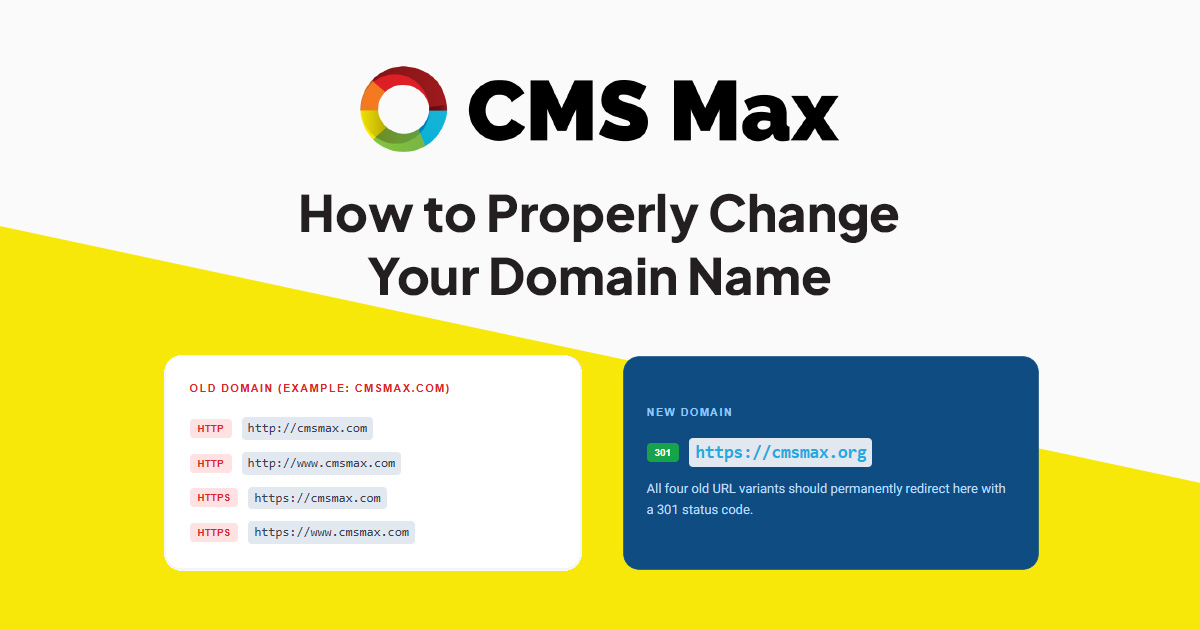
The old domain can appear in search indexes, links, email, listings, ads, feeds, documents, QR codes, integrations, callbacks, analytics, and customer habits. Preserve it, map every important URL, redirect directly to the matching new URL, and monitor the complete system after launch.
Decision frame
Export the old site and assign each valuable URL a relevant final destination instead of collapsing the whole site into the new homepage.
DNS, certificates, www and apex behavior, HTTP variants, mail, verification records, APIs, media, and callbacks must be accepted before cutover.
Search is one workstream. Email, forms, payments, feeds, CRM, ads, listings, analytics, support, QR codes, and printed assets can also fail.
Practical controls
Capture pages, products, categories, articles, media, documents, campaigns, parameters, canonicals, hreflang, and important inbound links.
Lower TTL when appropriate, pre-provision the new hostname, verify records, cover every required host, and preserve the old zone.
Update canonicals, internal links, XML sitemaps, structured data, robots references, Search Console properties, and change-of-address steps.
Review MX, SPF, DKIM, DMARC, mailboxes, aliases, signatures, account identifiers, OAuth origins, redirect URIs, and recovery paths.
Update payment callbacks, webhooks, APIs, feeds, analytics, tags, ads, CRM, shipping, tax, POS, maps, listings, and support systems.
Define owners, timing, support communications, health checks, logs, alert thresholds, escalation, and a tested rollback decision.
Implementation workflow
Capture the old URLs, traffic, backlinks, systems, domains, DNS, certificates, email, credentials, integrations, owners, and baselines.
Build and verify the new domain, URL map, certificates, DNS, search properties, sitemaps, integration changes, tests, and rollback plan.
Release DNS and direct server-side permanent redirects, update internal signals, submit new sitemaps, and complete accepted provider changes.
Crawl old and new hosts, exercise key journeys, inspect headers and logs, and verify search, analytics, forms, orders, email, and callbacks.
Track indexing, traffic, conversions, 404s, redirects, DNS, certificates, mail, integrations, errors, support, and old-domain renewal.
Practical reference
Current evidence
Frequently asked questions
That loses path-level intent. Established URLs should redirect directly to the closest relevant final URL wherever an equivalent exists.
No. Retain organizational ownership and renewal so redirects, old links, customer habits, email risk, and brand protection remain controlled.
They can, but changing several major variables increases risk and diagnosis difficulty. Separate major changes when practical.
Google recommends keeping site-move redirects for at least a year and suggests longer retention for users when practical.
CMS Max can build the inventory, URL mapping, redirect release, search updates, integration checks, production acceptance, monitoring, and rollback plan.
The world's fastest and most SEO friendly website code.