

Use the Short video ID in the standard YouTube embed URL, then choose a container that fits the intended portrait or responsive presentation.
CMS Max can insert a YouTube Short through the editor or with an iframe whose source uses youtube.com/embed/VIDEO_ID.
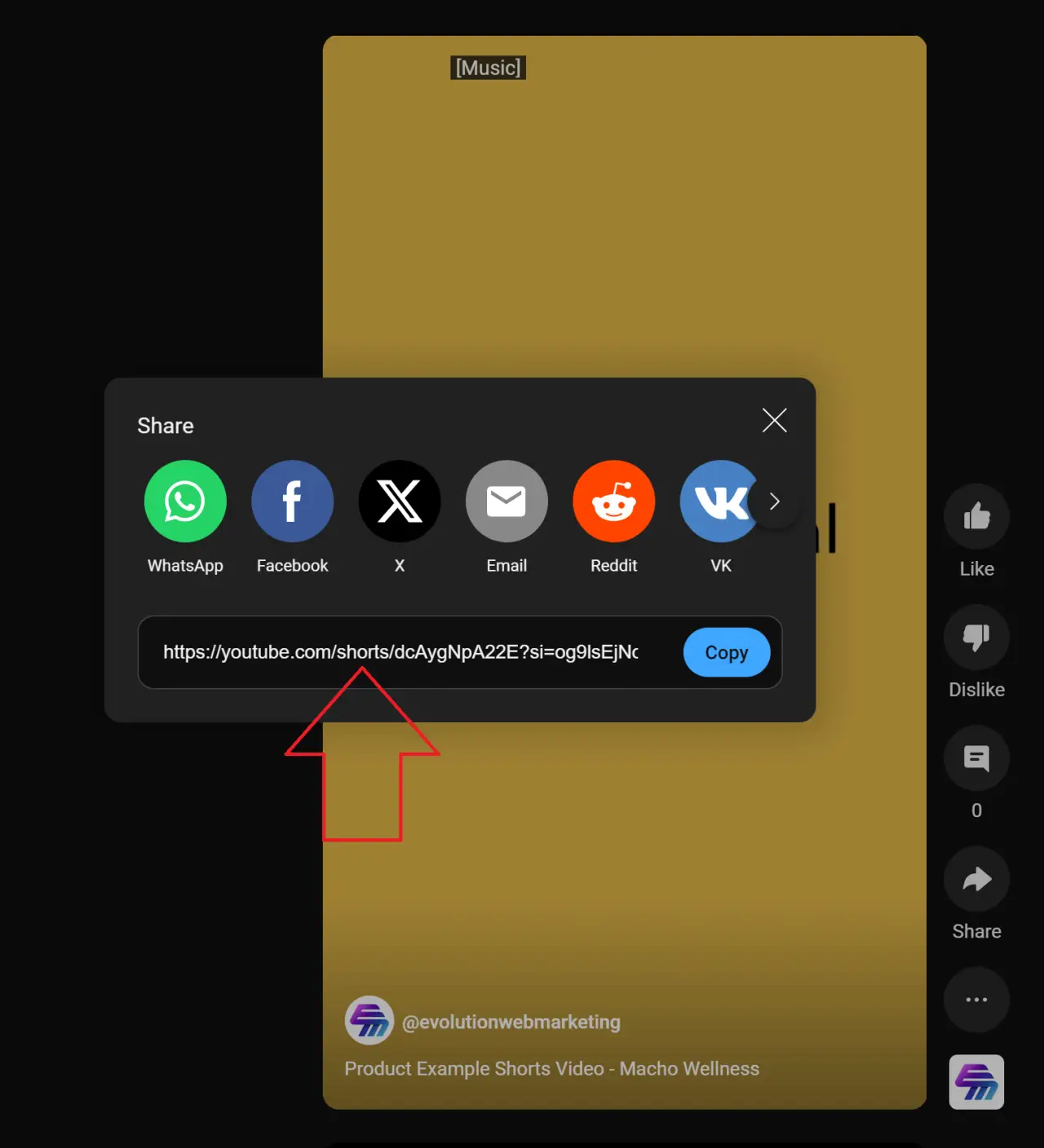
Convert the Shorts URL
For a public URL such as https://www.youtube.com/shorts/VIDEO_ID, use https://www.youtube.com/embed/VIDEO_ID as the iframe source. The identifier is the value after /shorts/.
Add it in CMS Max
- 01Use the editor YouTube control when available. Paste the public Shorts URL and review the generated embed.
- 02Choose the presentation. A portrait container can preserve the Short composition; a landscape container may create unused space or cropping expectations.
- 03Add a descriptive title. Do not label every iframe only as YouTube video.
- 04Test provider availability, captions, consent, mobile width, and keyboard controls.