Start with a measurement plan
Define decisions, events, conversions, dimensions, owners, consent requirements, attribution limits, and data-quality checks before adding tags.
Measurement and eCommerce analytics
Measure the website journey and send supported purchase events from the server.
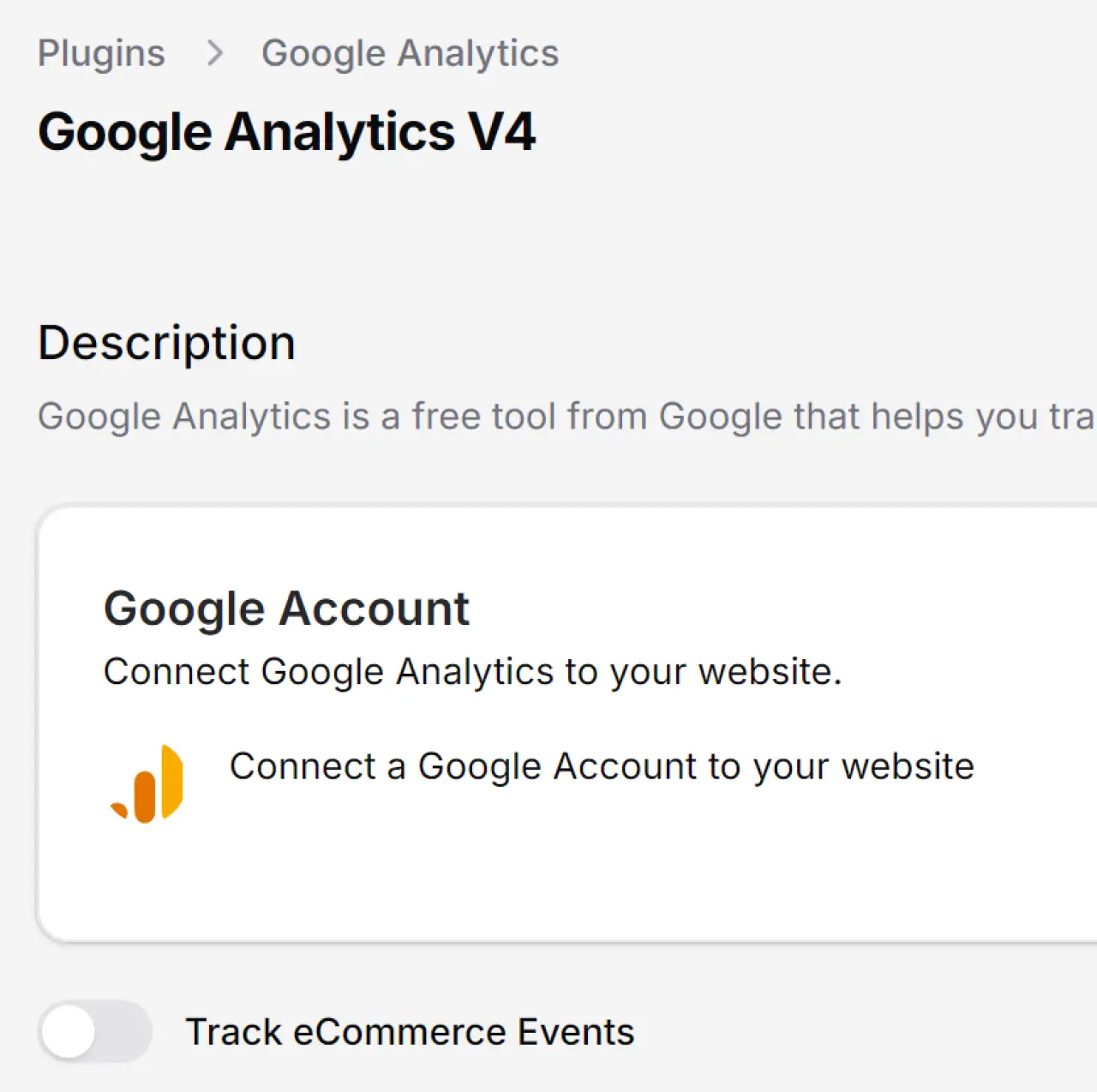
The CMS Max Google Analytics plugin supports a consent-aware GA4 script mode and an eCommerce mode that sends purchase events through Google’s Measurement Protocol using the configured Measurement ID and API secret.

Design the operating workflow
Start with business outcomes, data ownership, consent and security, realistic test cases, monitoring, support, and a change process. Then configure the technology.
Define decisions, events, conversions, dimensions, owners, consent requirements, attribution limits, and data-quality checks before adding tags.
Paste a consent-gated GA4 script for general tracking, or configure the Measurement ID and API secret for supported server-side purchase events.
Use Google’s debugging and reporting tools, compare CMS Max orders with GA4 events, and document expected differences and reconciliation.
CMS Max integration capabilities
Availability depends on the plugin being active, required accounts and credentials, source data, consent, provider access, plan limits, and the specific tenant configuration.
Paste the full GA4 tracking snippet and CMS Max injects it into the website head unless the visitor has explicitly rejected optional cookies.
Configure a GA4 Measurement ID and Measurement Protocol API secret so supported placed orders can send purchase events from the server.
The purchase payload includes transaction ID, value, currency, tax, shipping, item IDs, item names, price, quantity, and a discount indicator when applicable.
Use the Google OAuth widget for account-level connection and asynchronous discovery of available Analytics properties.
Installing Google Analytics enables the tenant cookie banner. Review the public copy, privacy-page link, categories, and actual script behavior before launch.
GA4 is an analytics system, not the order ledger. Compare event counts and values with CMS Max, document exclusions, and assign an owner for configuration changes.
End-to-end workflow
The system needs a clear start, protected configuration, representative validation, an observable result, and a named owner for improvement.
Define events, conversions, owners, and consent.
Choose script or server-side eCommerce mode.
Review cookie banner and privacy information.
Validate tags, purchase payloads, and reports.
Compare analytics with CMS Max source records.
Implementation sequence
Do not publish the integration until the data, consent, errors, ownership, and rollback path have been reviewed.
List the business questions, GA4 property, web stream, conversion events, campaign conventions, consent basis, and report owners.
Activate the CMS Max plugin and review the automatically enabled cookie-policy banner.
Use the GA4 script for browser tracking or enable eCommerce events and enter the Measurement ID and API secret.
Treat the Measurement Protocol API secret as a secret and limit access to the CMS Max and Google administration owners.
Visit pages under relevant consent states and place representative orders with tax, shipping, multiple items, discounts, and currencies.
Compare CMS Max orders to GA4 purchase events and values, record expected gaps, and review changes to consent or tracking configuration.
Governance and quality
Provider policies and website requirements change. Keep credentials, consent, mappings, errors, and ownership under active review.
Documentation and related resources
Use official provider documentation and the live CMS Max configuration during implementation. Features, interfaces, policies, and plans can change.
Integration FAQ
Use representative testing and written ownership to turn these answers into a reliable production workflow.
Yes. The Google Analytics plugin supports a GA4 script mode and an eCommerce mode that uses a Measurement ID and Measurement Protocol API secret for supported server-side purchase events.
The supported purchase event can include transaction ID, value, currency, tax, shipping, item IDs, item names, prices, quantities, and a discount indicator when applicable.
No. The CMS Max frontend script is gated so it is not rendered after the visitor explicitly rejects optional cookies. Review the full consent configuration for the site.
Installing the Google Analytics plugin automatically enables the tenant cookie-policy banner. The website owner should review its copy, privacy link, categories, and behavior.
The plugin includes an optional Google OAuth widget used for account-level connection and property discovery. Access and property selection should be owned and documented.
Not always. Consent, identifiers, network delivery, filtering, time zones, attribution, refunds, test orders, and configuration can create differences. Reconcile regularly and use CMS Max as the operational source.
Connect with purpose
Bring the account, use case, data, consent requirements, owners, test plan, error handling, and success metrics. CMS Max will help define the supported path.
The world's fastest and most SEO friendly website code.