CMS Max User Guide
Welcome to the CMS Max documentation — everything you need to manage your website
Welcome
CMS Max is a hosted content management system that gives you full control over your website — from writing pages and uploading images to managing menus, forms, and your site's appearance. If you can use a word processor, you can use CMS Max.
This guide is written for site administrators: the people who log into the admin panel to update content, manage users, and configure settings. No technical experience is required.
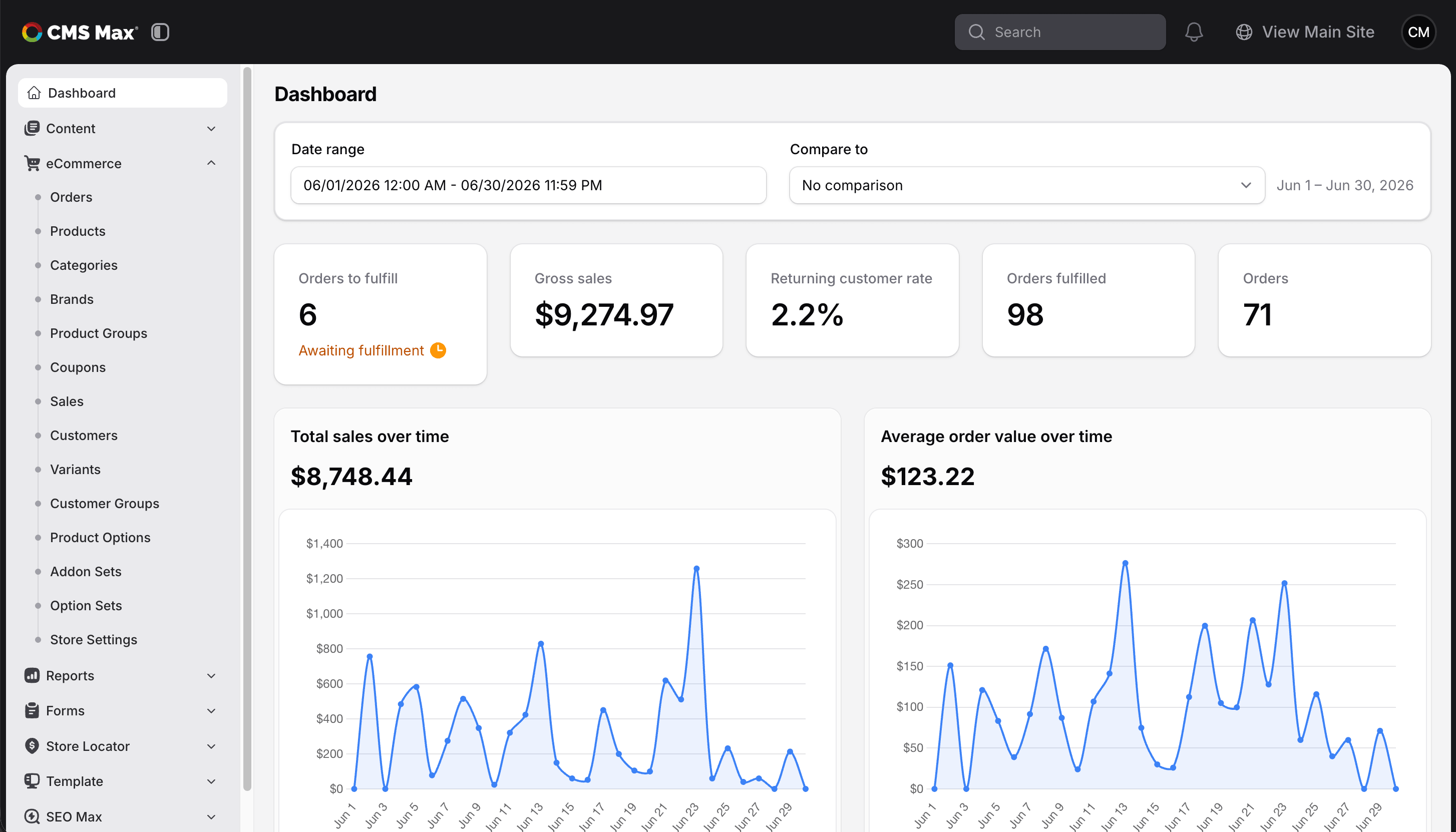
What You Can Do
- Create and edit content — pages, blog posts, events, and more
- Manage your media — upload photos, documents, and videos
- Customize your theme — set your brand colors, fonts, and logo
- Build forms — contact forms, job applications, payment forms, and more
- Control navigation — manage menus and site links
- Manage users — add and remove admin accounts
How to Navigate This Guide
Use the sidebar to browse by topic. If you are new to CMS Max, start with Getting Started.
For quick answers to common questions, see the FAQ section.
Staff Tools
- Mailgun Suppression Scans -- Review bounced or complained email addresses across tenant sites