ShipStation
A shipping management plugin to automate and simplify order fulfillment and shipping logistics.
Overview
The ShipStation plugin connects your CMS Max store with your ShipStation account, automatically sending new orders to ShipStation so your fulfillment team can start processing and shipping right away. There is no need to manually export or re-enter orders — everything syncs automatically.
Note: The Ecommerce plugin must be installed and activated before you can use ShipStation.
Setting Up ShipStation
- Go to Settings > Plugins in the admin panel
- Find ShipStation in the plugin list and open its settings
- Enter your ShipStation API key (found in your ShipStation account dashboard)
- Click Save and Install to activate the integration
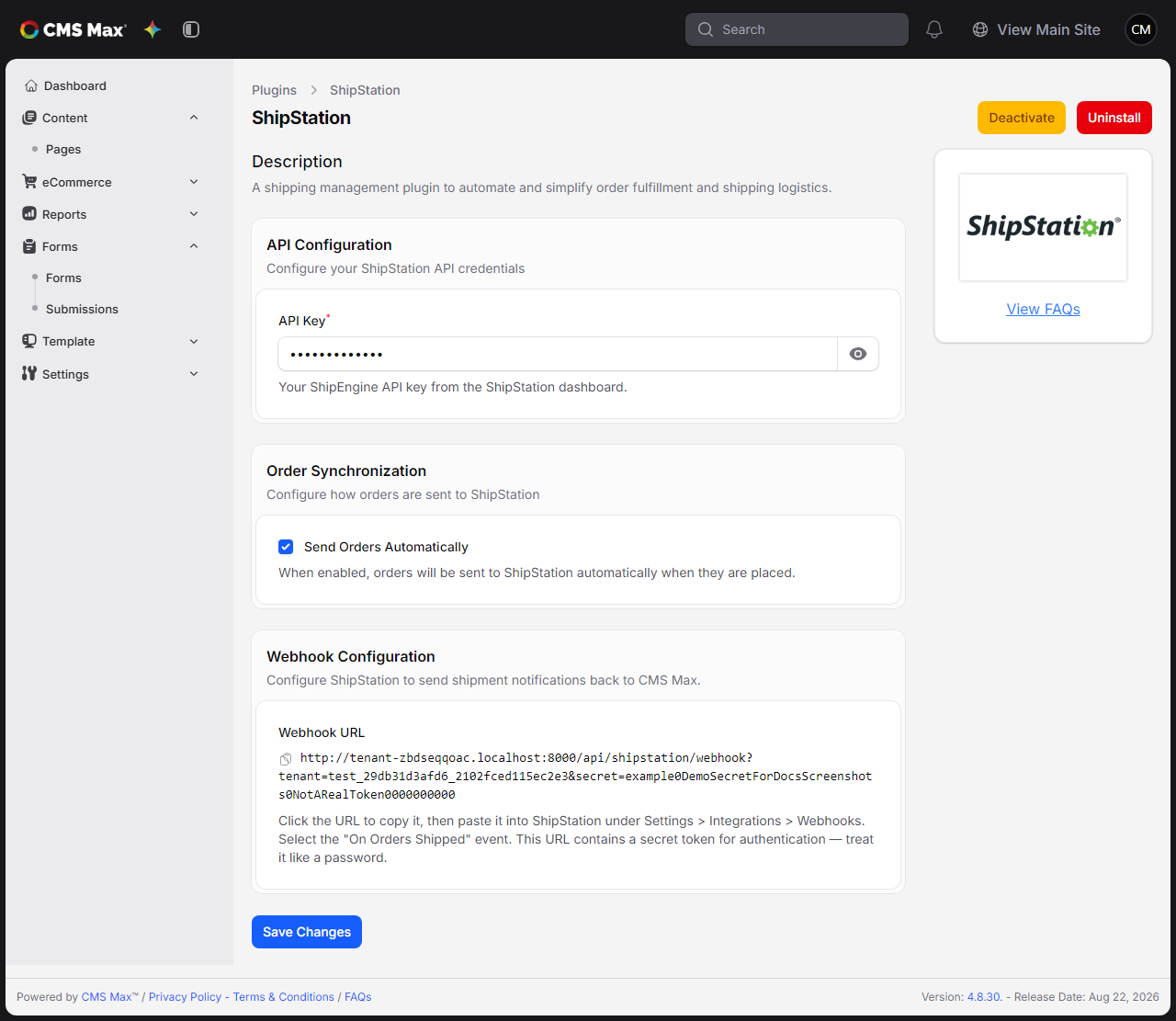
Configuration Options
API Key
Your ShipStation API key, found in the ShipStation dashboard. This is required for the integration to work.
Send Orders Automatically
When this option is enabled (the default), eligible new shipping orders are sent to ShipStation automatically. ACH orders wait until their payment clears; orders that are cancelled or otherwise leave Processing before the queued sync runs are not sent. If you prefer to send orders manually or in batches, you can disable this option.
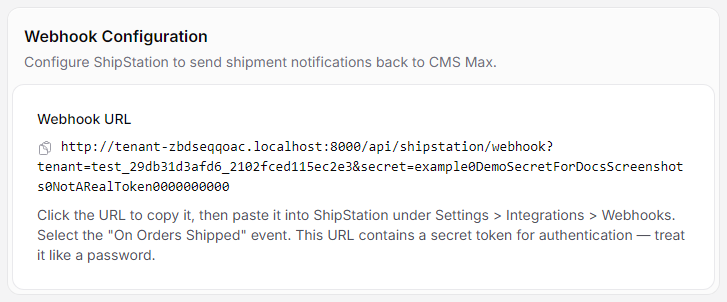
Webhook Configuration
The settings page displays a Webhook URL. Click the URL to copy it to your clipboard, then paste it into your ShipStation account under Settings > Integrations > Webhooks. Select the "On Orders Shipped" event. This allows ShipStation to notify CMS Max when an order has been shipped.
The webhook URL includes a secret token for authentication — treat it like a password. The URL only appears after your settings have been saved once, which generates the secret.
What Information Is Sent to ShipStation
When a shipping order syncs to ShipStation, it includes:
- Order number, date, and status
- Customer email address and shipping details
- Billing and shipping addresses
- All ordered items, including SKUs, names, quantities, and prices
- Order totals, including shipping and tax amounts
- Any notes the customer left with their order
Troubleshooting
Orders are not appearing in ShipStation:
- Check that the ShipStation plugin is active in your Plugins page
- Confirm that Send Orders Automatically is enabled in the plugin settings
- Verify that your API key is entered correctly — you can find it in your ShipStation dashboard
- Note that only shipping orders are sent to ShipStation — pickup and delivery orders are not synced
- Contact your site administrator to check whether there are any system errors being logged