Using the Documentation
Tips for finding your way around the CMS Max documentation site.
Overview
This documentation site is your guide to running a CMS Max website. Here's how to get the most out of it.
Finding what you need
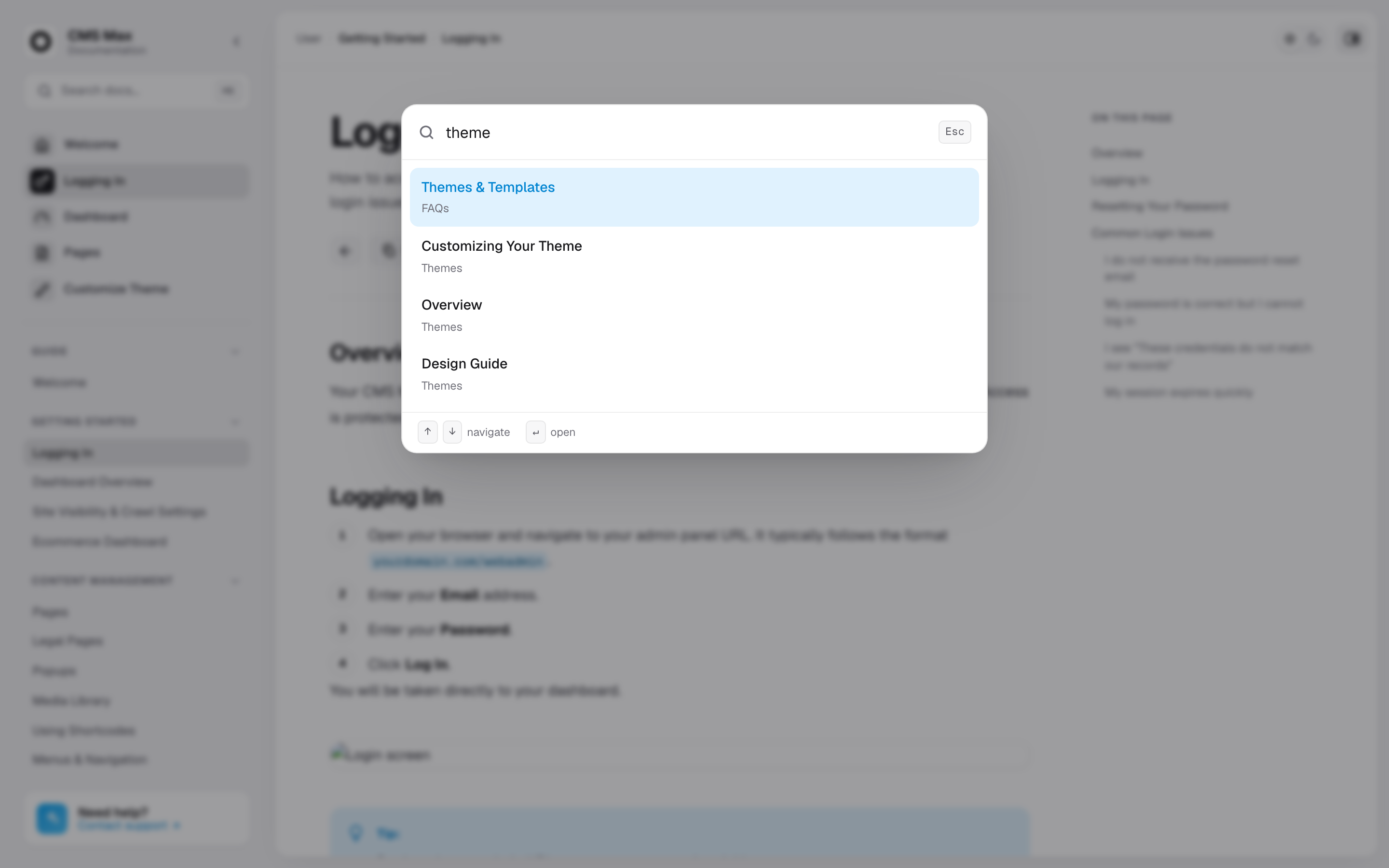
- Search — press ⌘K (or Ctrl+K) anywhere to jump straight to a page by name.
- Sidebar — browse by topic on the left. Sections expand and collapse, and your place is highlighted as you read.
- On this page — the list on the right links to each heading on the current page.
Reading comfortably
Use the theme switch in the top bar to toggle between light and dark mode — your choice is remembered the next time you visit.
Tip: Most pages end with Previous and Next links so you can read a topic straight through from start to finish.